Why I Added scrollTo(0, 0) and blur() on Detail Navigation
Vue3 TypeScript Frontend UX
Background
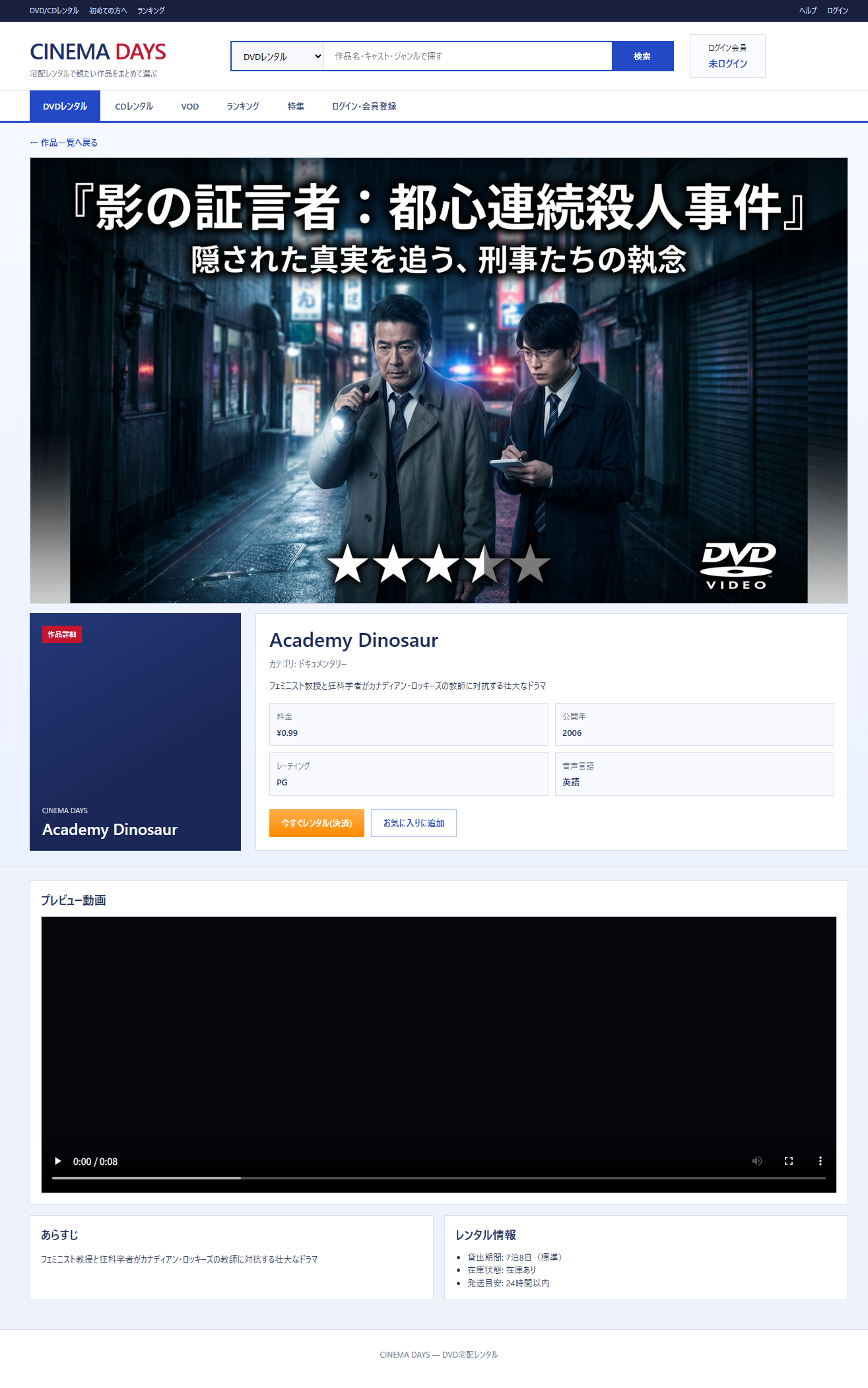
In the DVD rental customer-facing app, navigating from the movie list to the detail screen caused the following problems.
- The scroll position stayed where it had been on the list
- Focus lingered on the clicked button, which looked bad
Solution
I added the following to the navigation event handler.
window.scrollTo(0, 0)
;(event.target as HTMLElement).blur()
Reason for scrollTo(0, 0)
With currentPage state management (not using Vue Router), an SPA’s automatic scroll reset doesn’t kick in, so it has to be called explicitly.
Reason for blur()
If a button keeps focus while the screen switches, the outline ring lingers and looks off to the user.
What I Learned
When an SPA doesn’t use a router, you have to manually cover UX details that a framework would normally handle automatically.